
Understanding 2-Pin vs. 4-Pin Connectors
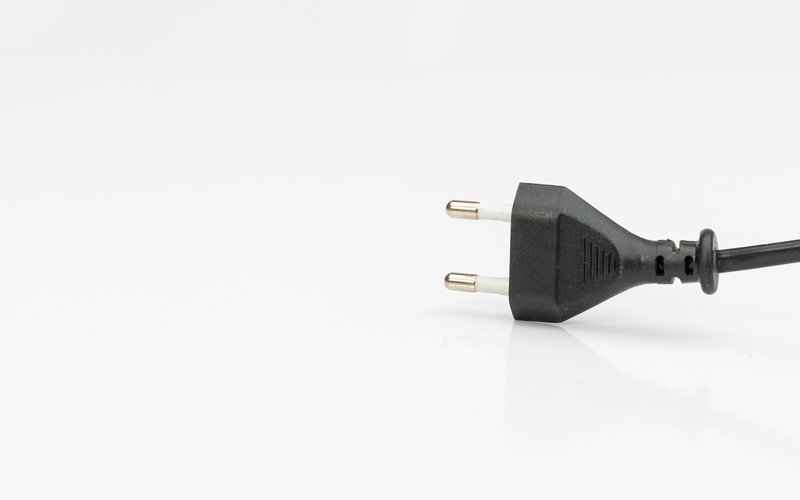
Electronics can seem complex, but many of their basic components are straightforward.
Take connectors, for example. You see them everywhere, from computer fans to car components. Today, we will help you with understanding 2-pin vs. 4-pin connectors, so you can tackle your next project with confidence.
It all comes down to what each pin does and what your specific needs are—find out how you can use both options to your benefit now.
What Are Pin Connectors?
Pin connectors are a type of electrical connector.
They use metal pins to create a connection between two parts of an electronic circuit. You can find them in countless devices. Your computer's motherboard, for instance, uses them to link components like fans, power supplies, and front panel controls.
They are also essential in modern cars for infotainment systems, GPS navigation, and charging ports for electronic devices.
These connectors come in various shapes and sizes, but they all share a common purpose. They establish a reliable path for electricity and data to travel.
The number of pins dictates the connector's function and capabilities. More pins usually mean more functions.
The 2-Pin Connector Explained
A 2-pin connector is the most fundamental type you will encounter.
As its name suggests, it has two pins. One pin is for power (positive), and the other is for ground (negative).
This simple design makes it perfect for components that only need power to operate. Although they are simple in their design, browse 2-pin connectors online and see how different they can look depending on their application.
A Closer Look
Think of a basic desk fan. It has an on/off switch and maybe a speed setting. It does not need any complex controls.
A 2-pin connector is all that is necessary to supply the electricity that makes the motor spin. There is no need for extra pins because the fan's function is purely mechanical.
You will find 2-pin connectors on many small devices.
In the automotive world, 2-pin connectors are everywhere. They are commonly used for connecting essential components like headlights, tail lights, and brake lights, delivering a straightforward and reliable power connection.
When you connect a 2-pin device, it receives a constant voltage.
For a fan, this means it will spin at its maximum rated speed as soon as it gets power. There is no built-in way to control the speed through the connector itself.
You would need a separate fan controller or resistor to slow it down.
The 4-Pin Connector Explained
The 4-pin connector is a step up in functionality.
It includes the same two pins for power and ground as the 2-pin version. What sets it apart are the two additional pins. These extra pins open up a world of control and feedback that the 2-pin connector cannot offer.

The Extra Pins
One of the extra pins is for Pulse Width Modulation (PWM) control. PWM is a clever technique that allows for precise speed control.
Instead of a constant voltage, the device receives a series of electrical pulses.
The system can adjust the "width" or duration of these pulses to change the device's speed.
The other extra pin is a tachometer or "sense" pin.
This pin sends a signal back to the main system, like a computer's motherboard. The signal reports the actual speed of the device, such as how fast a fan is spinning in rotations per minute (RPM).
This feedback loop is a powerful feature for performance management.
PWM: The Magic of Speed Control
Understanding 2-pin and 4-pin connectors requires focusing on what sets these two designs apart, including PMW.
Pulse width modulation is what gives the 4-pin connector its superior control. Imagine you are rapidly flicking a light switch on and off.
If you flick it very fast, the light appears dimmer because it is off for part of the time.
Modern vehicles rely heavily on PWM technology for precision control in various systems. For example, PWM regulates fuel injectors to ensure optimal timing and fuel efficiency, providing the perfect balance between performance and economy.
It’s also used to control electric power steering systems, delivering just the right amount of assistance based on driving conditions. This fine-tuned control underpins the reliability and innovation of today’s automotive systems.
The Tachometer: Getting Feedback
The fourth pin, the tachometer, completes the control loop.
Tachometers play a pivotal role in industrial and automotive systems by providing real-time feedback on motor or engine speed. This feedback is essential for maintaining precision and reliability in demanding environments.
For industrial machinery, tachometers ensure that equipment operates within optimal speed ranges, preventing wear, overheating, and potential failure. In the automotive sector, tachometers are instrumental in monitoring engine performance, allowing vehicles to maximize efficiency and respond dynamically to changing conditions.
Whether it's controlling conveyor speeds in a factory or optimizing gear shifts in a high-performance car, tachometers deliver the critical data needed to maintain smooth, efficient operation.
Compatibility: Mixing and Matching
When it comes to automotive and industrial applications, compatibility between components is absolutely critical.
A 2-pin connector is typically used in simpler systems where on/off functionality is sufficient, such as basic cooling fans or lighting systems. Its straightforward design makes it a durable and cost-effective option for many environments.
However, it lacks advanced control features, which may be a limitation for more demanding applications.
On the other hand, 4-pin connectors provide superior functionality, making them indispensable for applications requiring precise control. The additional pins allow for PWM (Pulse Width Modulation) and tachometer feedback, enabling speed adjustments and system monitoring in real time.
This is especially valuable in situations where efficiency and responsiveness are key—think of automotive cooling systems or factory-grade industrial machinery. Choosing between these connectors ultimately depends on the specific requirements of the system, but understanding their differences ensures the best match for optimized performance in challenging environments.

Making Your Connector Choice
The difference between these connectors boils down to function. Now, you are better equipped to choose the right components for your electronics projects and understand how your devices work from the inside out.
It’s your turn to put this knowledge into action! Take a look at your current projects and evaluate whether a 2-pin or 4-pin connector is the right fit.
Experiment, upgrade, and see how these small but mighty components can make a big difference in performance.